Why IV belongs in a scenario tool
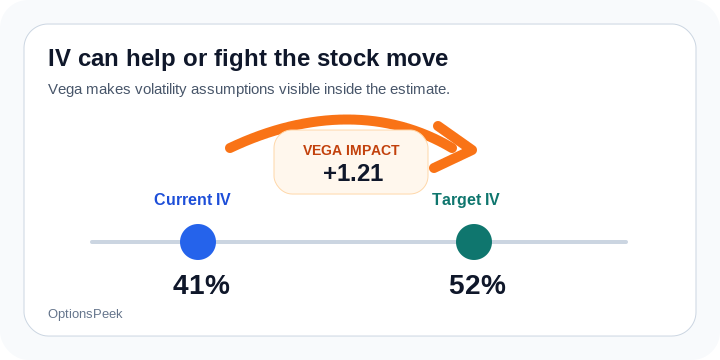
A stock move alone is not always enough. If implied volatility also expands or contracts, the option can move more or less than Delta by itself would suggest. That is why OptionsPeek includes both current IV and target IV assumptions.
The point is not to turn every user into a volatility specialist. The point is to give a realistic way to ask, what if the stock moves and volatility changes at the same time?
Choose your current and target IV
Use the current IV for the same contract and quote time as your starting premium. If you're copying values from a broker, check the strike, expiration, and call or put before using the displayed IV.
Target IV is the level you want to test. If current IV is 35% and you want to test a five-point decline, enter 30% as the target. Try several plausible levels when the outcome is uncertain.
How OptionsPeek makes IV visible
The cleanest way to see IV is to compare the same stock move with IV held constant and then with a target IV. When the second estimate changes, Vega is the reason. The Greeks Breakdown helps separate that effect from Delta, Gamma, and Theta.
The key idea is simple: when volatility changes, the option estimate can change even if the stock move is exactly the same.